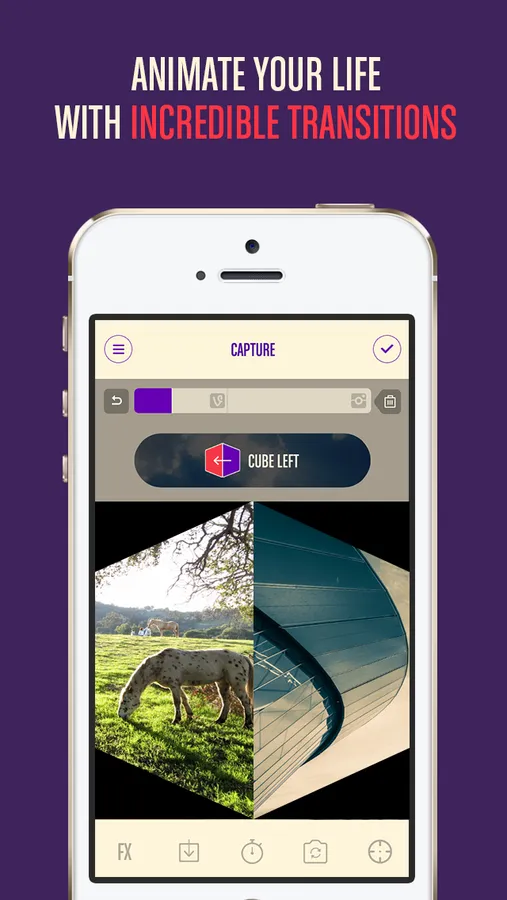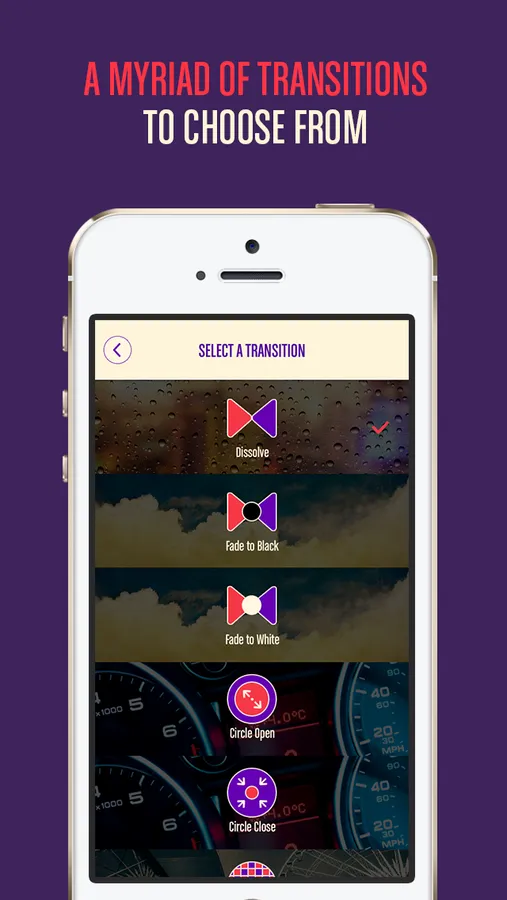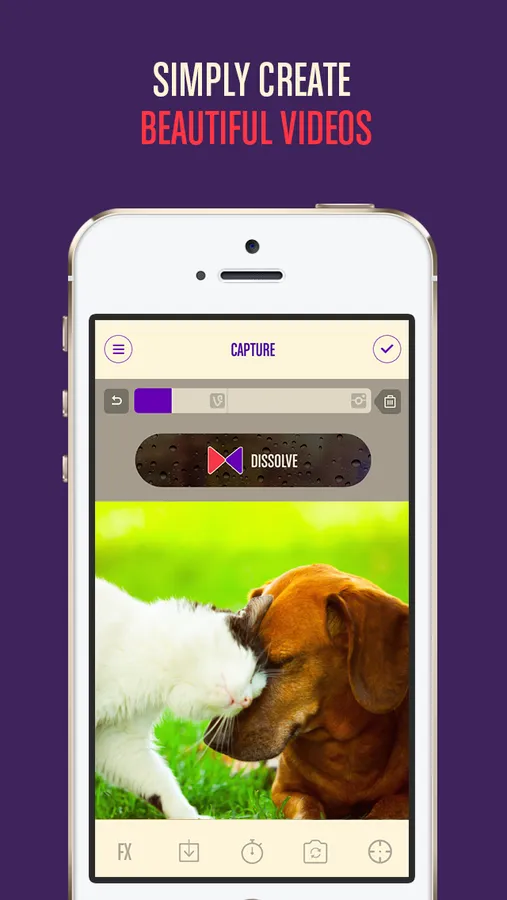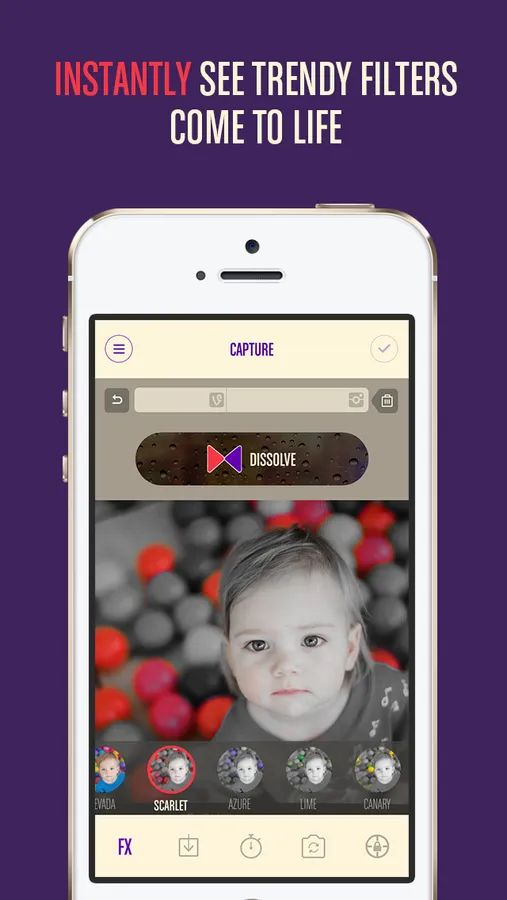
With this video editing app, you can add transitions, filters, and effects to create engaging videos. Includes options for background music, video saving, and sharing to social platforms.
AppRecs review analysis
AppRecs rating 1.2. Trustworthiness 69 out of 100. Review manipulation risk 26 out of 100. Based on a review sample analyzed.
★☆☆☆☆
1.2
AppRecs Rating
Ratings breakdown
5 star
8%
4 star
6%
3 star
9%
2 star
11%
1 star
67%
What to know
✓
Low review manipulation risk
26% review manipulation risk
⚠
Mixed user feedback
Average 1.8★ rating suggests room for improvement
⚠
High negative review ratio
78% of sampled ratings are 1–2 stars
About Vinema - Movie Transitions
You just want to upload an awesome video- Why does it have to be so complicated? Plus if you use the same effects, it's just plain boring.
Use Vinema: the best app for fun and interesting effects. Choose a transition and start recording- It's as simple as that. You have 40 transitions and 22 filters to choose from, and don't worry, that number will only get bigger. Change the transitions and filters for each scene for a colorful and eye-catching video.
-FEATURES-
1. Optimized for Vine and Instagram, with helpful time markers.
2. 40 video transitions
3. 22 outstanding filters
4. Use past videos
5. Video Length Extension Option (5 min with In-App Purchase)
6. Flash and timer
7. Background music
8. Ghost Effect
9. Save while recording and come back to it later!
-INSTRUCTIONS-
1. Tap and hold to record. Release to pause and tap again to record, creating different scenes.
2. Select a new transition and filter each time you pause to get different effects.
3. Record for at least 1 sec to use a transition effect.
4. Try out the timer and flash options.
5. When you finish recording, click the 'Done' button to preview your work.
6. If you changed your mind, click edit to change the selected transitions and filters.
7. Touch 'Done' to see the final video. Now you can add background music from iTunes.
8. Share your new video to Vine, Instagram, Facebook, Youtube, or through classic email.
Use Vinema: the best app for fun and interesting effects. Choose a transition and start recording- It's as simple as that. You have 40 transitions and 22 filters to choose from, and don't worry, that number will only get bigger. Change the transitions and filters for each scene for a colorful and eye-catching video.
-FEATURES-
1. Optimized for Vine and Instagram, with helpful time markers.
2. 40 video transitions
3. 22 outstanding filters
4. Use past videos
5. Video Length Extension Option (5 min with In-App Purchase)
6. Flash and timer
7. Background music
8. Ghost Effect
9. Save while recording and come back to it later!
-INSTRUCTIONS-
1. Tap and hold to record. Release to pause and tap again to record, creating different scenes.
2. Select a new transition and filter each time you pause to get different effects.
3. Record for at least 1 sec to use a transition effect.
4. Try out the timer and flash options.
5. When you finish recording, click the 'Done' button to preview your work.
6. If you changed your mind, click edit to change the selected transitions and filters.
7. Touch 'Done' to see the final video. Now you can add background music from iTunes.
8. Share your new video to Vine, Instagram, Facebook, Youtube, or through classic email.