Casechek
Incompass Medical Solutions LLC
2.6 ★
store rating
Free
AppRecs review analysis
AppRecs rating 2.1. Trustworthiness 75 out of 100. Review manipulation risk 22 out of 100. Based on a review sample analyzed.
★★☆☆☆
2.1
AppRecs Rating
Ratings breakdown
5 star
36%
4 star
4%
3 star
4%
2 star
2%
1 star
55%
What to know
⚠
Ad complaints
Many low ratings mention excessive ads
⚠
Mixed user feedback
Average 2.6★ rating suggests room for improvement
⚠
High negative review ratio
57% of sampled ratings are 1–2 stars
About Casechek
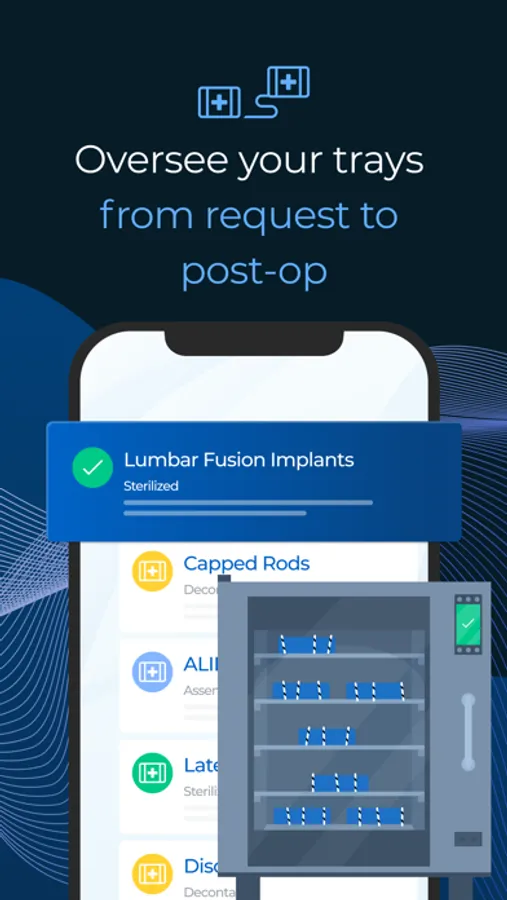
Casechek helps implant vendors coordinate support with hospitals and adds visibility over inventory Our streamlined case coordination and loaner tray tracking system, ensuring that trays are ready for surgery.
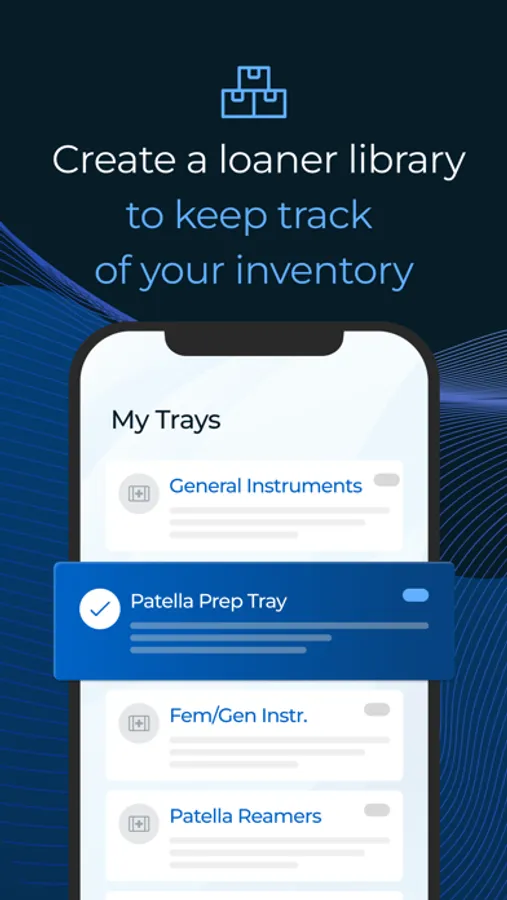
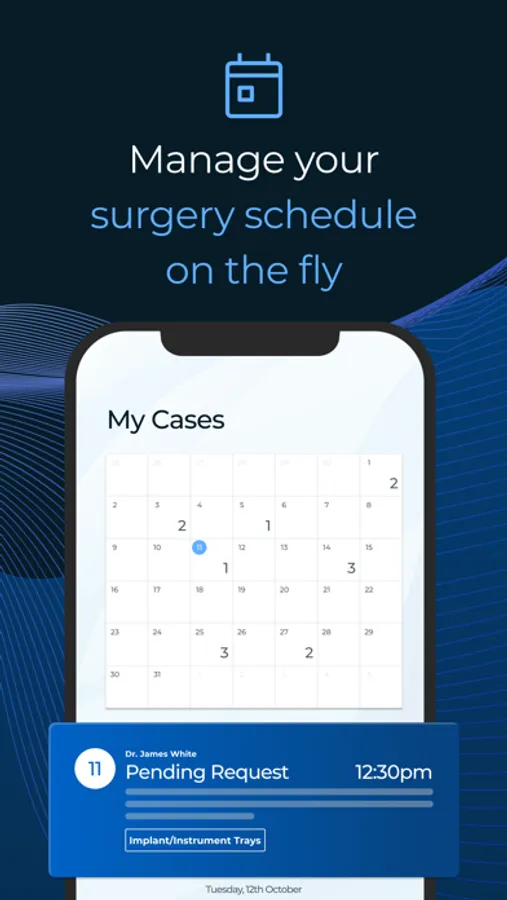
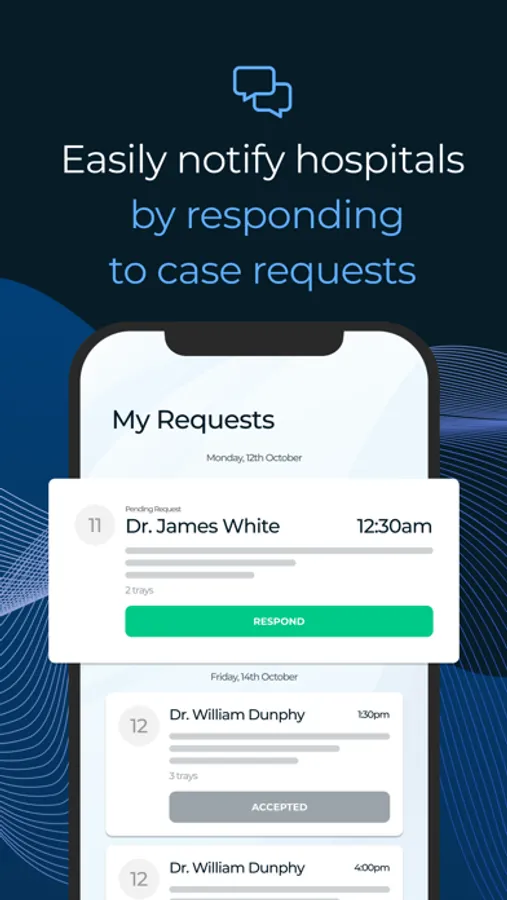
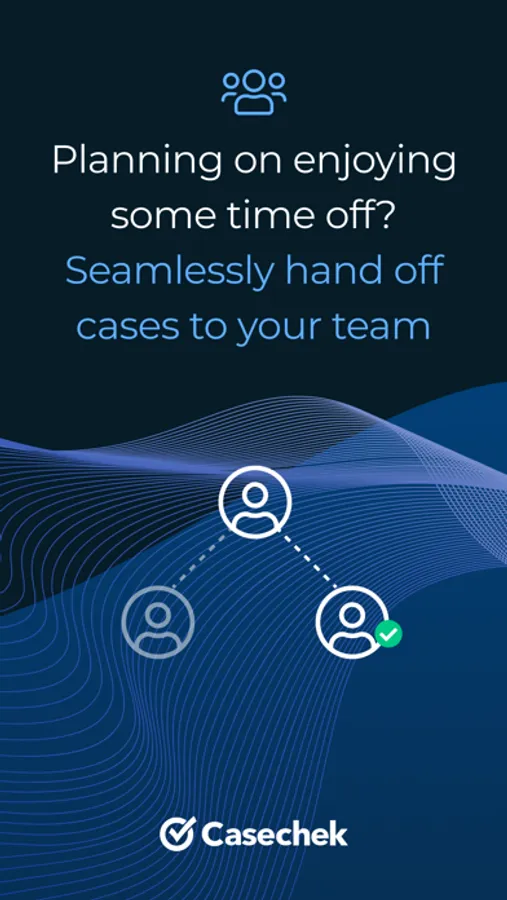
The Casechek Tray App enables vendors to manage their case schedule, hospital support requests, and loaner inventory all in one place.
Getting Started as a Vendor
Only vendors working at Casechek client hospitals will be able to utilize this mobile app. If you are working with a Casechek client hospital, please contact your facility’s case coordinator for more details.
Register and Confirm Account
When you first enter the Tray App, click on the option to Sign Up. Provide some details, register under a vendor company, and complete sign-up. Check your email to confirm your account before you can login and start receiving case requests.
Add Hospitals
For hospitals you support, search the name of the facility by clicking the H button in the upper-right corner before you start receiving case requests. For more instructions, view the More tab in the app.
Getting Started as a Hospital
If you would like the benefits of using Casechek for case coordination at your hospital, you can reach out to our team at marketing@casechek.com or call (877) 533-7021.
The Casechek Tray App enables vendors to manage their case schedule, hospital support requests, and loaner inventory all in one place.
Getting Started as a Vendor
Only vendors working at Casechek client hospitals will be able to utilize this mobile app. If you are working with a Casechek client hospital, please contact your facility’s case coordinator for more details.
Register and Confirm Account
When you first enter the Tray App, click on the option to Sign Up. Provide some details, register under a vendor company, and complete sign-up. Check your email to confirm your account before you can login and start receiving case requests.
Add Hospitals
For hospitals you support, search the name of the facility by clicking the H button in the upper-right corner before you start receiving case requests. For more instructions, view the More tab in the app.
Getting Started as a Hospital
If you would like the benefits of using Casechek for case coordination at your hospital, you can reach out to our team at marketing@casechek.com or call (877) 533-7021.