ProKnockOut-Cut Paste Photos
Shenzhen Qianhai Happy Tour Network Technology Co., Ltd.
4.6 ★
store rating
Free
In this photo editing app, you can easily remove backgrounds, create collages, and apply filters using one-click tools and manual options. Includes batch cutout, background replacement, filters, effects, and various templates.
AppRecs review analysis
AppRecs rating 4.1. Trustworthiness 81 out of 100. Review manipulation risk 30 out of 100. Based on a review sample analyzed.
★★★★☆
4.1
AppRecs Rating
Ratings breakdown
5 star
80%
4 star
9%
3 star
5%
2 star
2%
1 star
5%
What to know
✓
Low review manipulation risk
30% review manipulation risk
⚠
Ad complaints
Many low ratings mention excessive ads
⚠
Pricing complaints
Many low ratings mention paywalls or pricing
About ProKnockOut-Cut Paste Photos
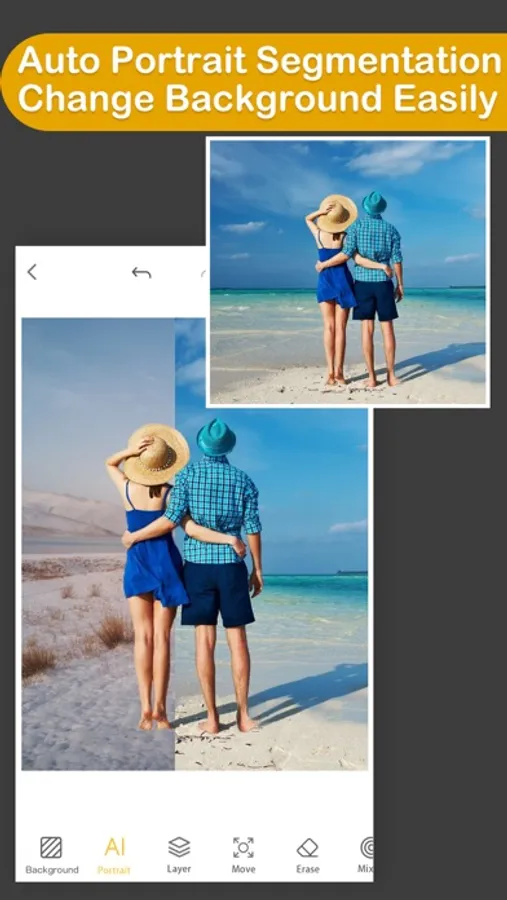
Come and experience the Top 1 professional cutout and photo editing tool in Appstore! With this tool, you will become a master in photo editing area even if you are a beginner. One-click cutout、 multi-layer synthesis of pictures、 making ID photos、collages、 instantly erase redundant passers-by in photos、green screen cutouts、replace the sky··· In addition, a large number of templates and stickers making design extremely simple。
*One-click cutout & batch cutout
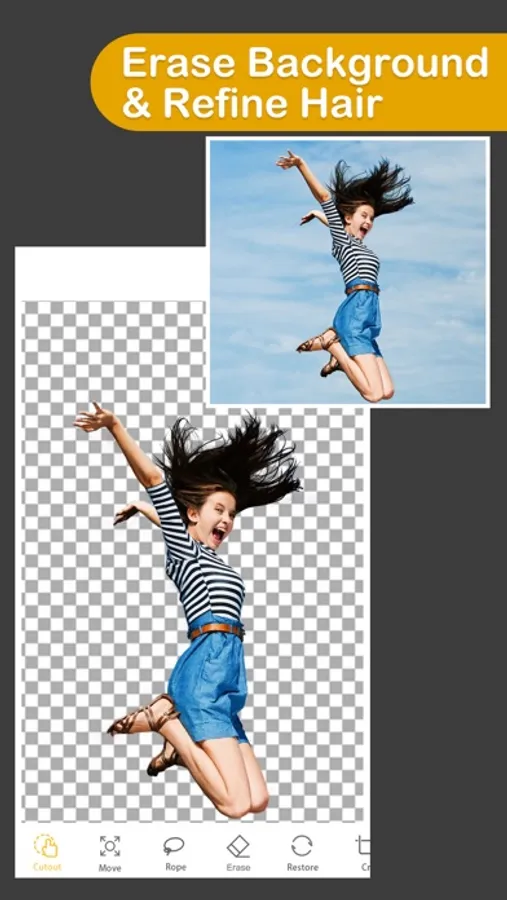
-After selecting the picture, you can get the results of the cutout with one click. Buckle out the characters, animals, products, stamps and other content in the picture with one click, and also support batch cutouts, which greatly improves the efficiency of the cutout.
-Manually selection tools: Lasso, instant alpha, eraser, a lot of manual tools to cutout if you are not satisfied with the result of the automatic cutout tool.
-The new "Hair Refine" and "Edge Refine" tools, offering you a first glimpse of how much easier it could be to select hair, fur and other fine details in an image.
*Multi-layer composition
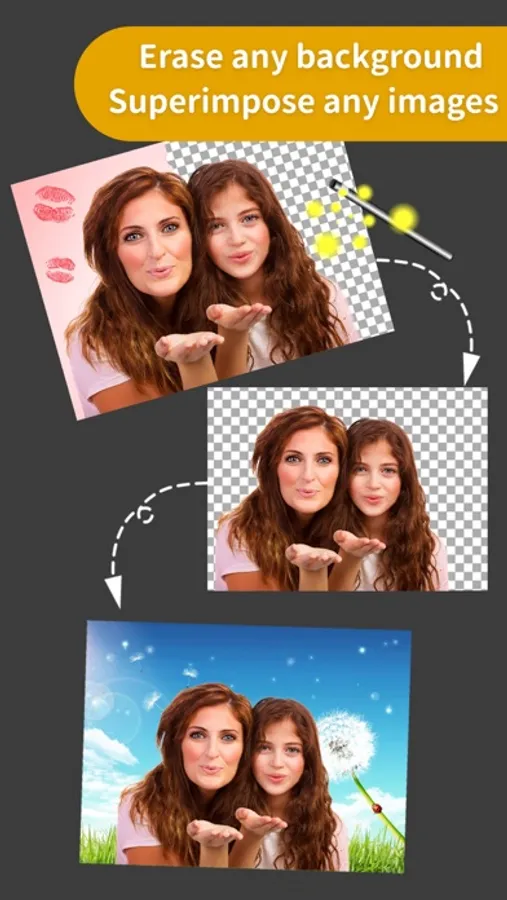
Powerful image synthesis function, seamlessly synthesize multiple pictures, the effect is amazing.
*ID photo
ID camera + multiple ID photo sizes + automatic cutout + modified background color + exquisite male and female formal wear + beauty
*MagicEraser
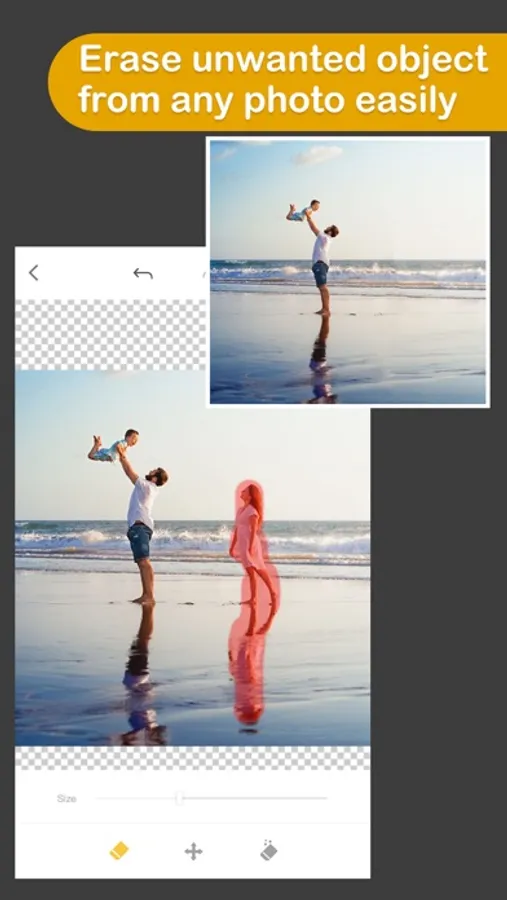
Don’t worry if you stray passers-by in the photo, "Photo Eraser" helps you erase passers-by with one click and intelligently repair the background.
*100+ filters&effects
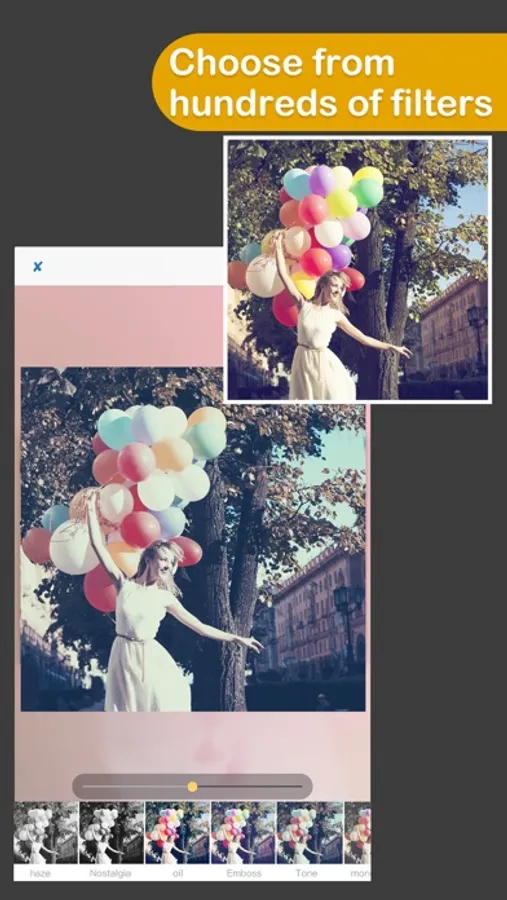
There are over 100 filters and effects to make your photos unique!
*23 blend modes
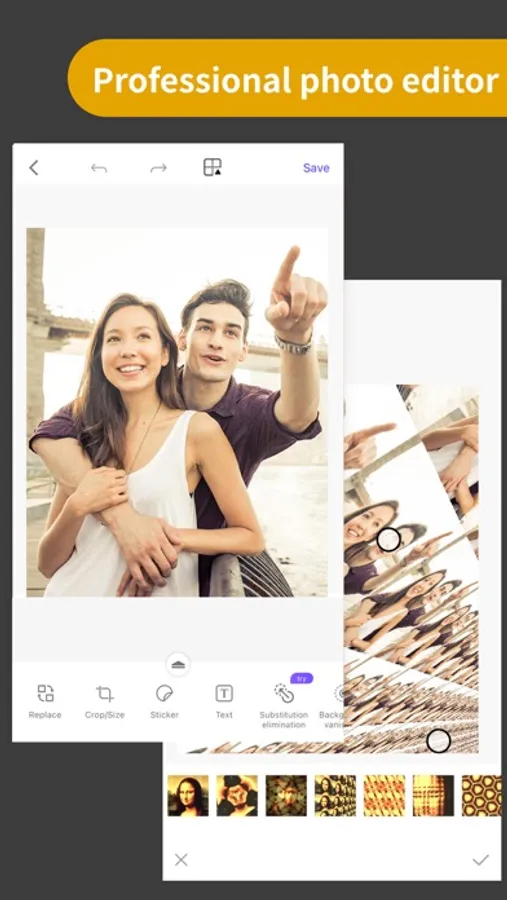
*Powerful photo editor
*Transparent PNG and colorful background JPG support
Knockout Plus subscription
- You can subscribe for new weekly updates (every week, new images will be available for download)
- Payment will be charged to iTunes Account at confirmation of purchase
- You will be able to color all available images for the duration of the subscription
- Subscription automatically renews for the same price and duration period as the original "one week"/"one month"/"one year" package unless auto-renew is turned off at least 24-hours before the end of the current period
- Account will be charged for renewal within 24-hours prior to the end of the current period at the cost of the chosen package (weekly, monthly or yearly package)
- Subscriptions may be managed by the user and auto-renewal may be turned off by going to the user's iTunes Account Settings after purchase
- No cancellation of the current subscription is allowed during active subscription period
- You may cancel a subscription during its free trial period via the subscription setting through your iTunes account. This must be done 24 hours before the end of the subscription period to avoid being charged. Please visit http://support.apple.com/kb/ht4098 for more information
- You may turn off the auto-renewal of your subscription via your iTunes Account Settings. However, you are not able to cancel the current subscription during its active period
- Any unused portion of a free-trial period, will be forfeited when the user purchases a Knockout Plus subscription
Links to our Terms of Service and Privacy Policy can be found below
Privacy Policy:http://www.godimage.mobi/policy
Terms of Use: http://www.godimage.mobi/terms
*One-click cutout & batch cutout
-After selecting the picture, you can get the results of the cutout with one click. Buckle out the characters, animals, products, stamps and other content in the picture with one click, and also support batch cutouts, which greatly improves the efficiency of the cutout.
-Manually selection tools: Lasso, instant alpha, eraser, a lot of manual tools to cutout if you are not satisfied with the result of the automatic cutout tool.
-The new "Hair Refine" and "Edge Refine" tools, offering you a first glimpse of how much easier it could be to select hair, fur and other fine details in an image.
*Multi-layer composition
Powerful image synthesis function, seamlessly synthesize multiple pictures, the effect is amazing.
*ID photo
ID camera + multiple ID photo sizes + automatic cutout + modified background color + exquisite male and female formal wear + beauty
*MagicEraser
Don’t worry if you stray passers-by in the photo, "Photo Eraser" helps you erase passers-by with one click and intelligently repair the background.
*100+ filters&effects
There are over 100 filters and effects to make your photos unique!
*23 blend modes
*Powerful photo editor
*Transparent PNG and colorful background JPG support
Knockout Plus subscription
- You can subscribe for new weekly updates (every week, new images will be available for download)
- Payment will be charged to iTunes Account at confirmation of purchase
- You will be able to color all available images for the duration of the subscription
- Subscription automatically renews for the same price and duration period as the original "one week"/"one month"/"one year" package unless auto-renew is turned off at least 24-hours before the end of the current period
- Account will be charged for renewal within 24-hours prior to the end of the current period at the cost of the chosen package (weekly, monthly or yearly package)
- Subscriptions may be managed by the user and auto-renewal may be turned off by going to the user's iTunes Account Settings after purchase
- No cancellation of the current subscription is allowed during active subscription period
- You may cancel a subscription during its free trial period via the subscription setting through your iTunes account. This must be done 24 hours before the end of the subscription period to avoid being charged. Please visit http://support.apple.com/kb/ht4098 for more information
- You may turn off the auto-renewal of your subscription via your iTunes Account Settings. However, you are not able to cancel the current subscription during its active period
- Any unused portion of a free-trial period, will be forfeited when the user purchases a Knockout Plus subscription
Links to our Terms of Service and Privacy Policy can be found below
Privacy Policy:http://www.godimage.mobi/policy
Terms of Use: http://www.godimage.mobi/terms